Free AI art generator
Edit images with plain English
No masks, no layers — just say what you want changed. "Add a golden sunset behind the mountains." "Make the jacket red." "Remove the text." The editor applies your instruction to any artwork you've created, keeps the aspect ratio, and saves the result as a new version alongside the original.
Create & edit →Create or pick an artwork
Anything in your My Art collection is editable.
Type the change
One instruction at a time works best.
Apply
The edit becomes a new artwork — the original stays untouched.
- ✦Plain-English instructions, no tools to learn
- ✦Edits from 2 credits
- ✦Originals are never overwritten
- ✦Chain multiple edits to iterate on an idea
From the community
Made by the community
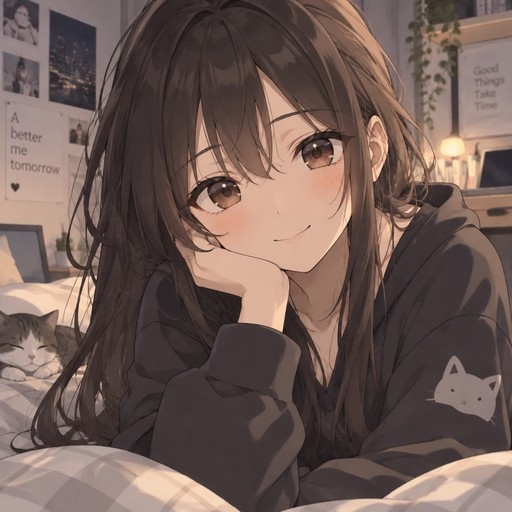
Anime girl
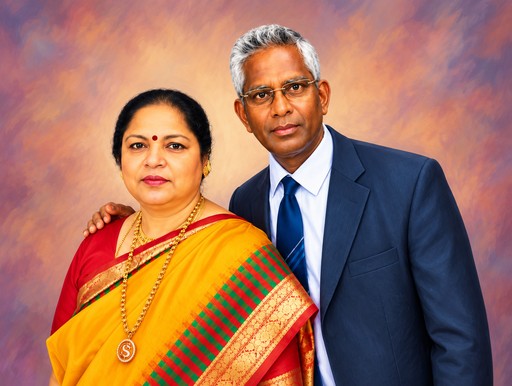
Formal portrait of two people in colorful traditional attire against a painted backdrop
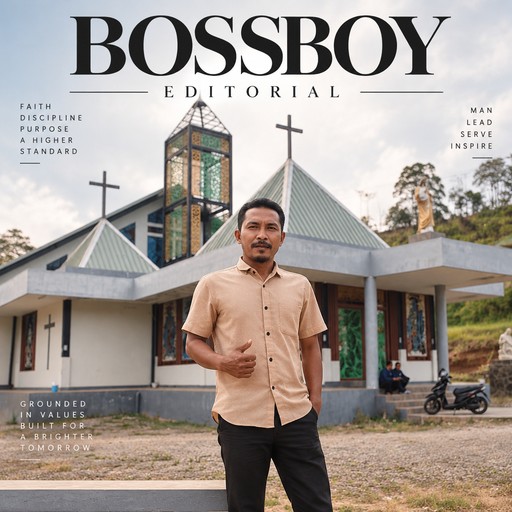
A person stands before a modern church beneath a cloudy sky.
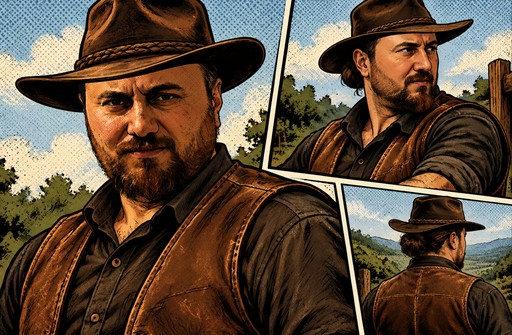
Comic-style panels show a cowboy in a brown hat and vest outdoors.
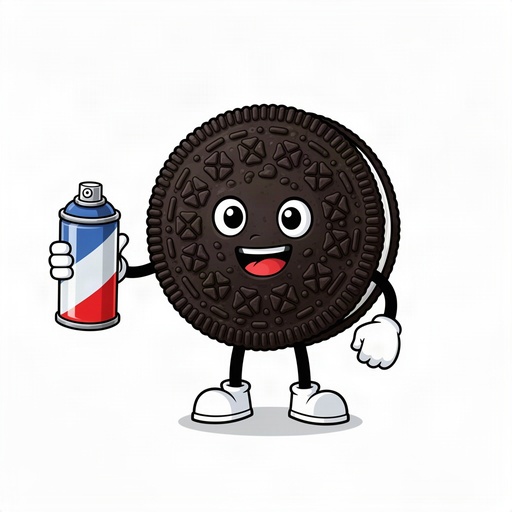
Cartoon Oreo cookie and a spray can in its hand
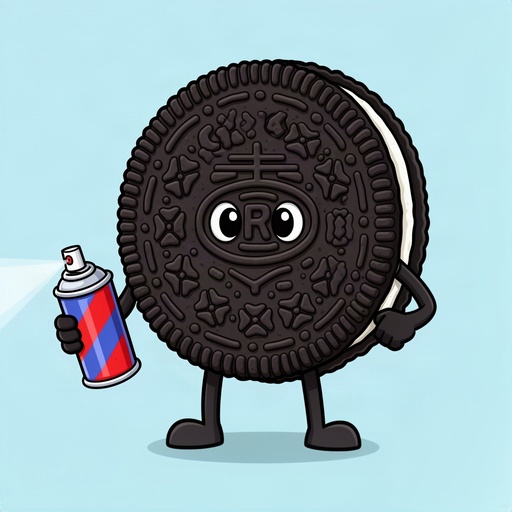
Cartoon Oreo cookie and a spray can in its hand
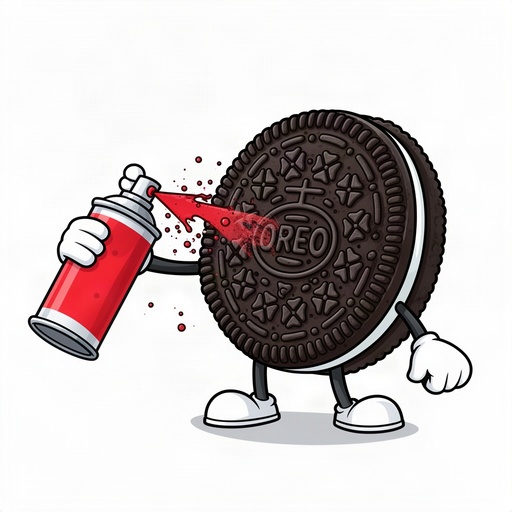
Cartoon Oreo cookie spraying spray paint
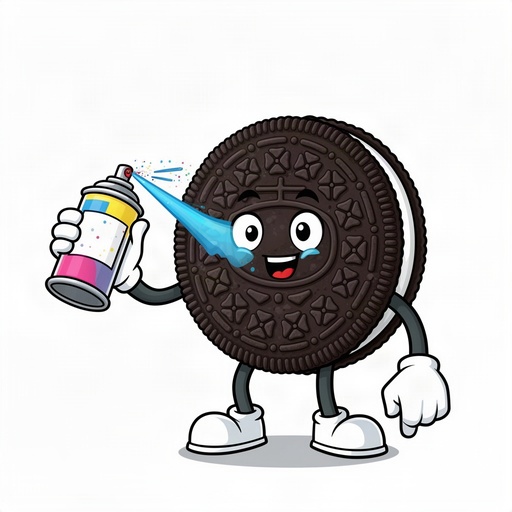
Cartoon Oreo cookie spraying spray paint
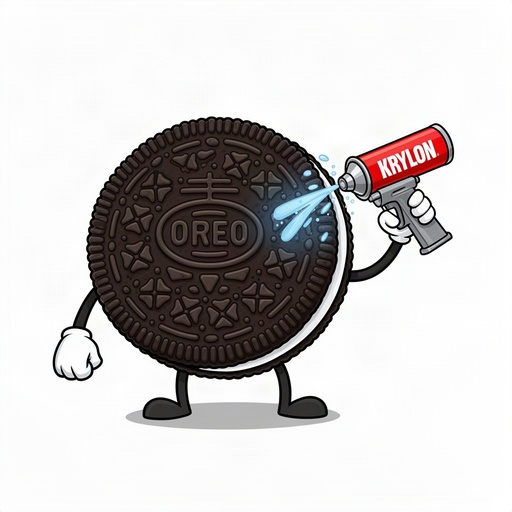
Cartoon Oreo cookie spraying a krylon
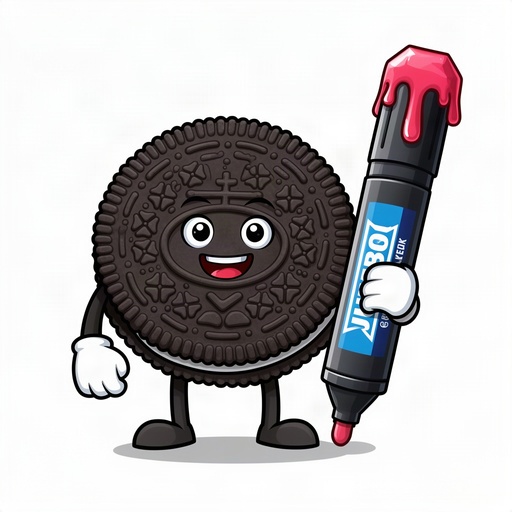
Cartoon Oreo cookie holding a drippy chiseled jumbo marker
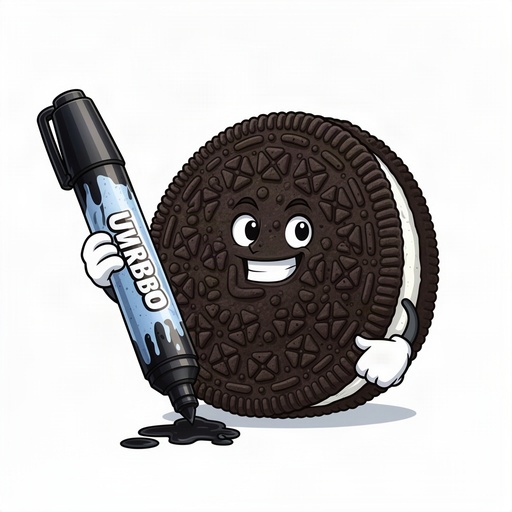
Cartoon Oreo cookie holding a drippy chiseled jumbo marker
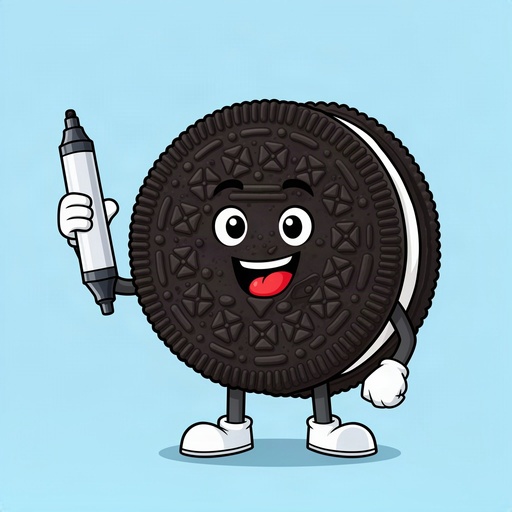
Oreo cookie cartoon holding a marker
Popular styles for this
More tools